Honeywell has been a trusted name in home security for decades, offering systems that range from basic intrusion detection to full smart home integration. Whether you’re protecting a starter home or upgrading an older system, Honeywell’s lineup provides solid reliability without requiring a degree in electrical engineering. This guide walks through everything from choosing the right model to installing, programming, and troubleshooting your system, so you can handle the setup yourself and save on installation fees.
Table of Contents
ToggleKey Takeaways
- Honeywell alarm systems combine wired and wireless options with smart home integration, allowing homeowners to choose the setup that best fits their property type and security needs.
- DIY installation of a Honeywell alarm system requires careful planning of zones, proper mounting of sensors, and thorough testing, but can save hundreds in professional installation fees.
- Programming zones correctly—assigning types like Perimeter, Interior Follower, and Entry/Exit—is critical for balancing security effectiveness and reducing false alarms.
- Professional monitoring services offer 24/7 response and insurance discounts, while self-monitoring via the Total Connect app provides cost savings and flexibility for security-conscious homeowners.
- Common Honeywell alarm system issues like battery failures, RF interference, and communication errors can be resolved through basic troubleshooting such as battery replacement, sensor repositioning, or upgrading cellular modules.
What Is a Honeywell Alarm System?
A Honeywell alarm system is a home security solution that monitors entry points, detects motion, and alerts homeowners (or a monitoring service) when unauthorized access occurs. Most systems consist of a control panel, keypad, door/window sensors, motion detectors, and optional add-ons like glass-break sensors or smoke detectors.
Honeywell offers both wired and wireless systems. Wired setups require running low-voltage cable (typically 22/4 or 18/4) through walls, connecting each sensor to the panel, ideal for new construction or major renovations. Wireless systems use RF (radio frequency) signals to communicate with the panel, making them a practical choice for retrofits where opening walls isn’t an option.
Most current Honeywell panels support Z-Wave integration, allowing users to add smart locks, thermostats, and lighting controls. Some models also connect to Total Connect or AlarmNet, Honeywell’s cloud-based platforms for remote arming, alerts, and camera access via smartphone.
Note that while Honeywell manufactures the hardware, they don’t provide monitoring services directly. Users either self-monitor (receiving alerts on their phone) or contract with a third-party central station for 24/7 professional monitoring.
Top Honeywell Alarm System Models for Homeowners
Honeywell VISTA-20P is the workhorse of the lineup, a hardwired panel that supports up to 48 zones (expandable to 250 with modules). It’s overkill for a small condo but perfect for larger homes or if you plan to add zones over time. Requires a 16.5VAC transformer and backup battery, both typically housed in a metal enclosure.
Honeywell Lyric Controller is the company’s flagship wireless touchscreen system. It runs on a 7-inch color display, supports up to 128 wireless zones, and integrates with Alexa, Google Assistant, and Apple HomeKit. Installation is simpler than wired panels, mount it, plug in the transformer, and pair sensors. Many home security reviews highlight its user-friendly interface but note the higher upfront cost.
Honeywell VISTA-21iP is similar to the 20P but adds an onboard internet communicator (IP module), eliminating the need for a separate landline or cellular dialer. This is the preferred option if you want remote access via Total Connect without buying an add-on module.
Honeywell ProSeries systems are designed for professional installers but available to DIYers willing to dig into manuals. They offer hybrid wired/wireless setups, advanced partitioning (useful for multi-family properties or home offices), and support for encrypted wireless sensors (more secure than older 345 MHz sensors).
For budget-conscious homeowners, the Honeywell Home PROA7PLUS offers wireless operation, built-in Wi-Fi, and support for Honeywell’s SiX-series encrypted sensors, at a lower price point than the Lyric.
How to Install Your Honeywell Alarm System (DIY Steps)
Safety first: Disconnect power to the panel during installation. Wear safety glasses when drilling, and if running cable through insulation, use a dust mask.
Step 1: Plan Zone Layout
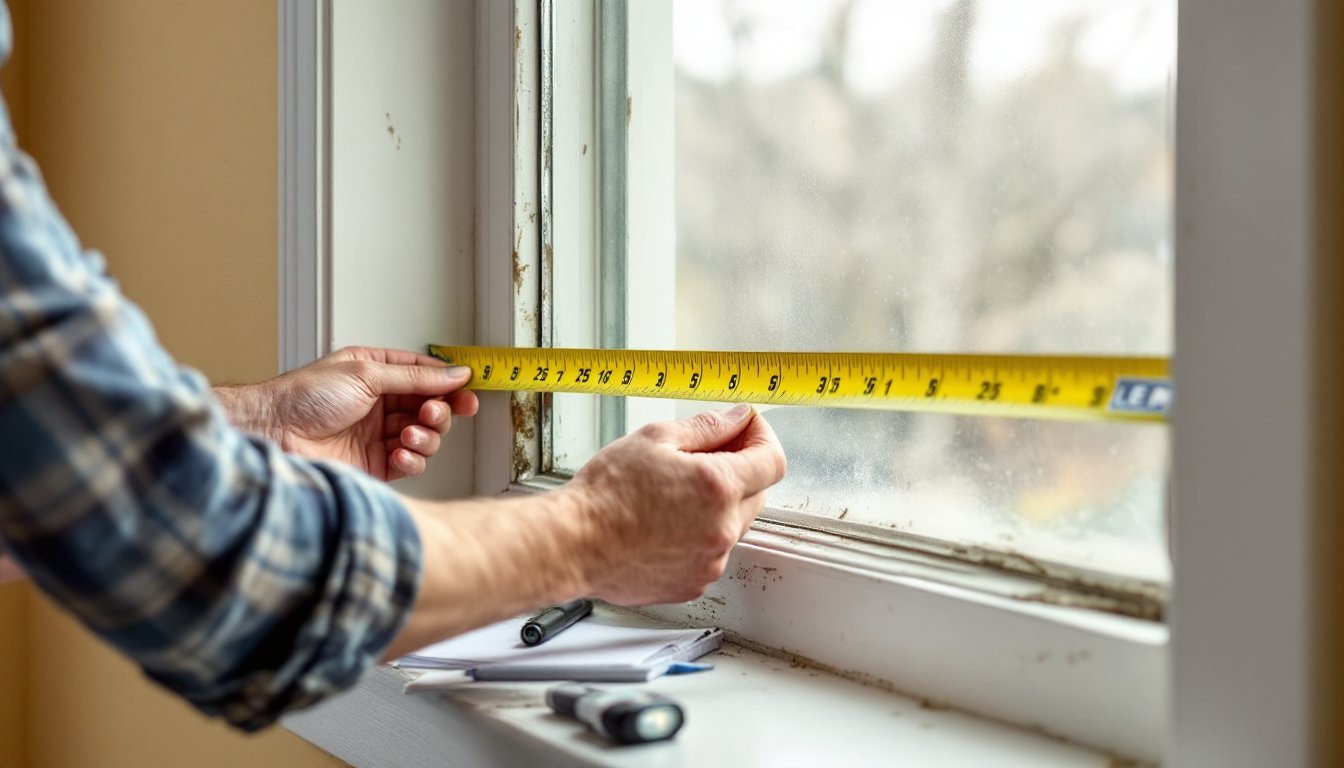
Walk your home and list every entry door, window, and area you want monitored. Front and back doors typically get recessed magnetic contacts: windows can use surface-mount contacts. High-traffic areas like hallways get motion detectors (mount 6–7 feet high, angled down, avoiding direct sunlight or HVAC vents).
Step 2: Mount the Control Panel
Choose a central location, ideally a closet, basement, or utility room, within 20 feet of the main electrical panel for power access. The VISTA series requires a metal enclosure (usually 14″ × 14″) mounted to studs. Use #8 screws into solid wood or toggle bolts for drywall. Keep the panel at least 5 feet from large metal objects or appliances that can cause RF interference.
Step 3: Run Wiring (Wired Systems)
Use 22/4 stranded wire for door/window contacts and keypads: 18/4 for motion detectors or longer runs. Drill 3/4″ holes through studs at least 1-1/4″ from the edge (or use nail plates to protect cable). Staple cable every 4 feet but avoid over-tightening, crushed insulation can cause shorts. Label each wire at the panel with masking tape and a Sharpie.
Step 4: Pair Wireless Sensors (Wireless Systems)
Power up the panel, enter installer mode (consult your manual, most Honeywell panels use installer code 4112 by default), and follow the enrollment prompts. Test each sensor by triggering it and confirming the panel registers the event.
Step 5: Connect Power and Battery
Connect the 16.5VAC transformer to a dedicated outlet (not controlled by a switch). Install a 12V sealed lead-acid battery (typically 4Ah to 7Ah depending on the model) inside the enclosure. The panel will charge the battery and switch to it during power outages.
Step 6: Test the System
Arm the system in Stay mode, then open a door or walk past a motion detector. The panel should sound an alarm. Disarm and repeat in Away mode. Check every sensor, this is tedious but critical.
Permit note: Many jurisdictions require a permit for alarm systems and impose fines for excessive false alarms. Check with your local building or police department before activation.
Programming and Customizing Your Honeywell Security System
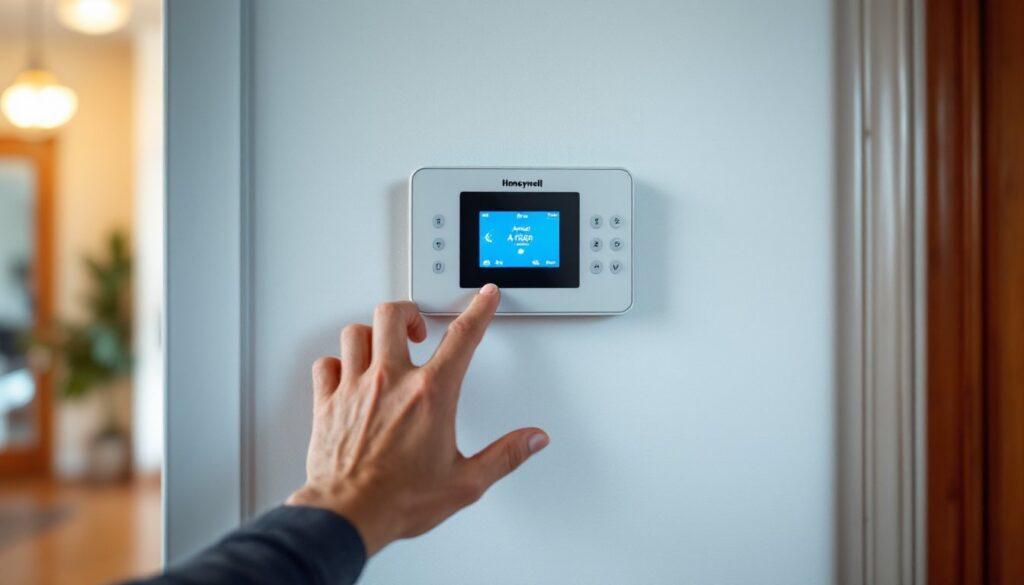
Programming a Honeywell panel means assigning sensors to zones, setting entry/exit delays, and configuring user codes. You’ll need the installer manual for your specific model, these are available as free PDFs on Honeywell’s site.
Assigning Zone Types
Each zone gets a zone type that defines how the panel responds. Common types:
- Perimeter (front/back doors): Triggers an alarm immediately when system is armed Away.
- Interior Follower (motion detectors): Activates only after an entry delay expires.
- Entry/Exit (garage door): Allows time to arm/disarm before triggering.
- 24-Hour (smoke/CO detectors): Always active, even when disarmed.
Set your front door as Entry/Exit, interior motion as Interior Follower, and basement windows as Perimeter.
Entry and Exit Delays
Most systems default to a 30-second exit delay and 30-second entry delay. Increase the entry delay to 45–60 seconds if you have a long walk from the door to the keypad. Longer delays reduce false alarms but give intruders more time, so balance convenience and security.
User Codes and Access Levels
Create unique 4-digit codes for each household member. Avoid obvious sequences (1234, birth years). Honeywell panels support master codes (full system control), standard codes (arm/disarm only), and duress codes (silent alarm to monitoring station). Many smart home platforms now allow temporary codes for guests or service workers, useful if you have a Total Connect subscription.
Chime Mode
Enable chime mode to get a beep when doors open, even when the system is disarmed. Helpful for monitoring kids or knowing when a delivery arrives.
Voice Prompts and Keypad Backlighting
Newer panels offer voice prompts (“Front door open”). Enable them during setup but consider disabling at night if light sleepers live nearby. Adjust backlight brightness to prevent the keypad from lighting up the hallway at 2 a.m.
Troubleshooting Common Honeywell Alarm Issues
Low Battery Warning: If the keypad displays “BAT” or chirps periodically, the backup battery is weak. Sealed lead-acid batteries typically last 3–5 years. Disconnect power, remove the old battery, and replace with the same voltage and capacity rating. Don’t skip this, a dead battery means no alarm during a power outage.
Zone Fault or Tamper: “Check” or “Fault” messages indicate an open circuit. For wired systems, inspect wire connections at the sensor and panel for loose screws or broken strands. For wireless sensors, replace the CR123A or AA batteries (most Honeywell wireless sensors use these). If a zone shows “Tamper,” the sensor’s cover is off or the unit was bumped, reseat the cover until it clicks.
RF Interference / Supervision Loss: Wireless sensors that repeatedly drop offline may be too far from the panel (Honeywell’s 5800-series sensors have a 200-foot range in open air, but walls, metal, and insulation cut that significantly). Add a wireless repeater (Honeywell 5800RP) to extend range. Place it halfway between the panel and the problem sensor.
False Alarms from Motion Detectors: Check for heat sources (space heaters, direct sunlight through windows) or moving objects (curtains, ceiling fans, pets). Adjust the detector’s angle or switch to a pet-immune model (usually rated for animals up to 40–80 lbs). If testing devices for home safety, ensure detectors are mounted level, tilt causes missed detection or false triggers.
Communication Failure (FC or bF): For systems using a cellular or IP communicator, this means the panel can’t reach the monitoring station or Total Connect servers. Check your internet connection or cell signal strength. Some older communicators use 3G, which is being phased out, consider upgrading to a 4G LTE module.
Keypad Unresponsive: If the keypad doesn’t respond to button presses, check the 4-wire connection (red, black, yellow, green). Loose connections at the panel are common culprits. If using a wireless keypad, replace batteries.
Monitoring Options: Professional vs. Self-Monitoring
Professional monitoring means a central station receives alarm signals and dispatches police, fire, or medical services. Monthly fees typically run $20–$60, depending on whether you want cellular backup, video verification, or smart home integration. Honeywell systems work with most third-party monitoring providers, shop around for contract terms (some require multi-year commitments: others offer month-to-month).
Pros: 24/7 human response, verification before dispatch (reduces false alarm fines), insurance discounts (often 10–20% on homeowners premiums).
Cons: Recurring cost, potential contracts, reliance on the monitoring company’s response time.
Self-monitoring uses the Total Connect app or AlarmNet to send push notifications, emails, or texts directly to your phone when an alarm triggers. No monthly fee beyond the cost of the internet or cellular communicator module ($10–$15/month for cellular plans). You handle response yourself, check cameras, call neighbors, or contact police directly.
Pros: No contracts, lower cost, full control.
Cons: Relies on your phone being charged and connected: no one responds if you’re unavailable: no insurance discounts in most cases.
Many homeowners start with professional monitoring for the first year to ensure the system is dialed in, then switch to self-monitoring once false alarms are eliminated. Check if your provider allows plan changes without penalty.
Hybrid approach: Some services offer on-demand monitoring, pay a small fee only when you’re traveling or want temporary professional coverage. This splits the difference for budget-conscious users who still want backup during vacations.
Conclusion
Honeywell alarm systems offer solid, proven technology for DIYers willing to invest time in installation and setup. Wired systems take more effort but provide long-term reliability: wireless systems get you up and running faster with less wall surgery. Either way, take the time to program zones correctly, test every sensor, and decide on a monitoring plan that fits your lifestyle and budget. Done right, you’ll have a system that protects your home for years, and you’ll have saved hundreds on professional installation.